Rent without the agent fee.
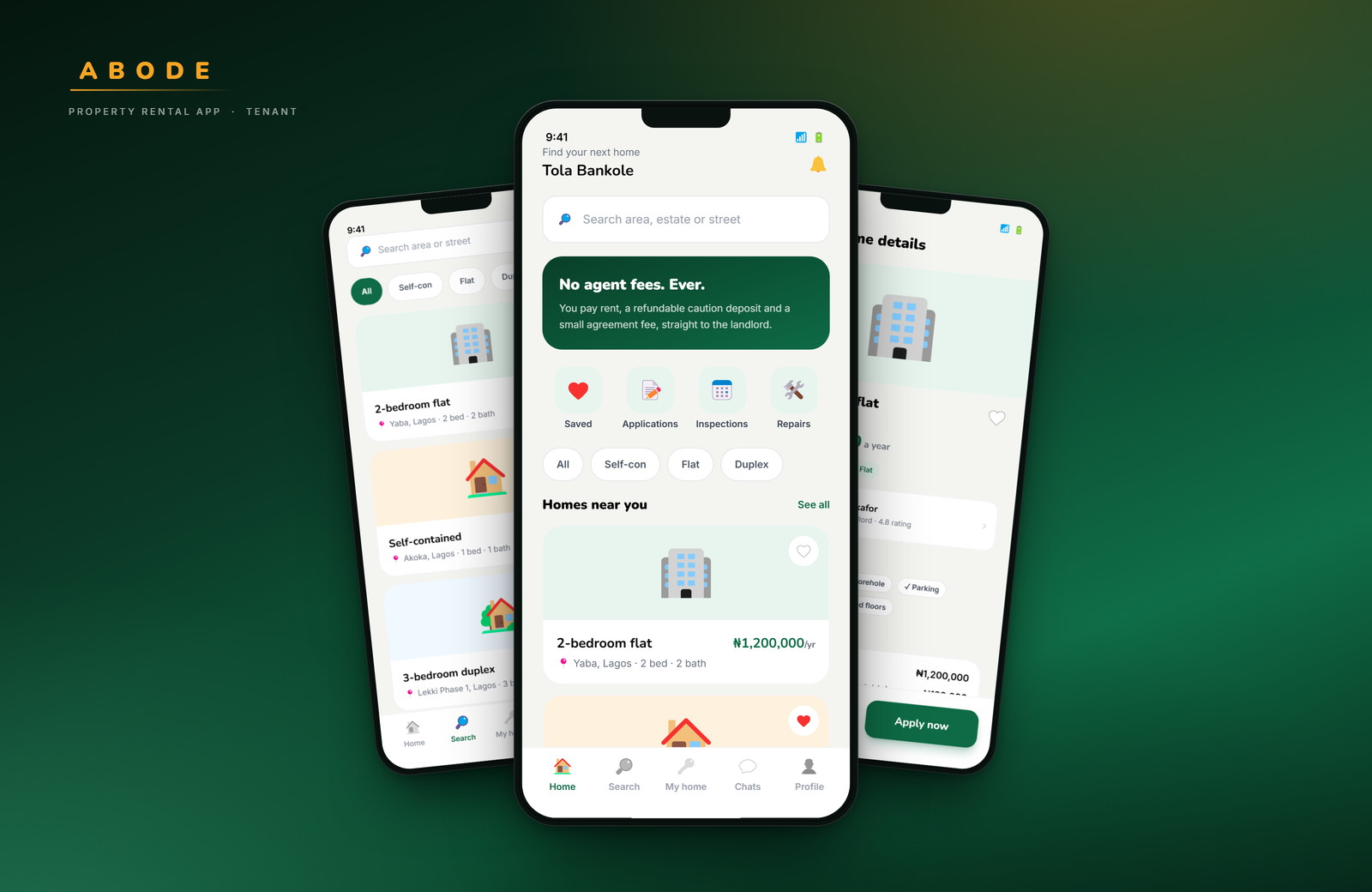
Abode is a renting app with two sides: tenants rent directly from verified landlords, and landlords list, screen and collect rent in one place. Sixty-eight screens, designed end to end.
- Role
- Product design, UI
- Platform
- Mobile · 390 × 844
- Scope
- 68 screens
- Status
- Concept prototype
01 — The problem
Finding a home costs more than rent.
In most Nigerian cities, a tenant pays an agent simply for access to a property — often a large share of the rent, before anything is signed. The listing may be out of date, the landlord may be unreachable, and the money moves with no record.
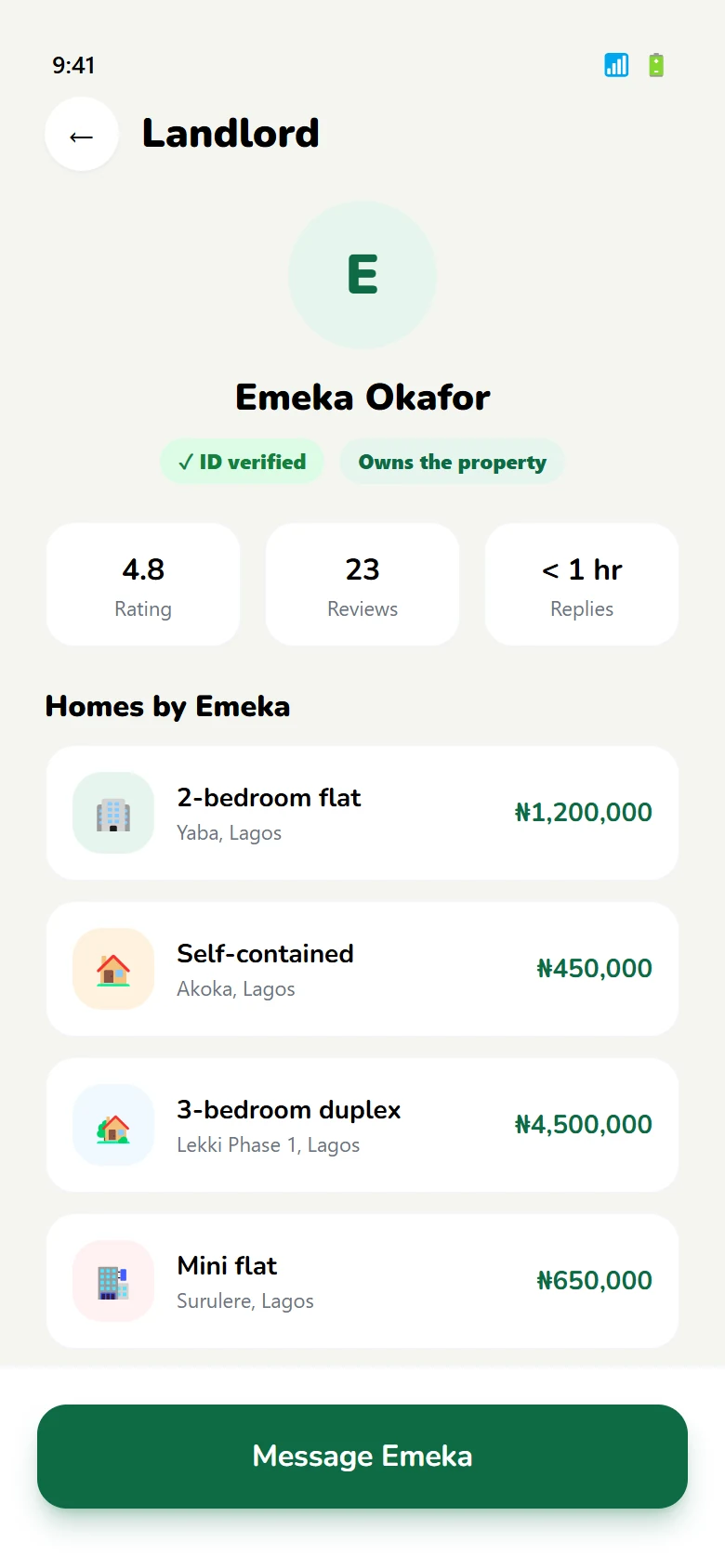
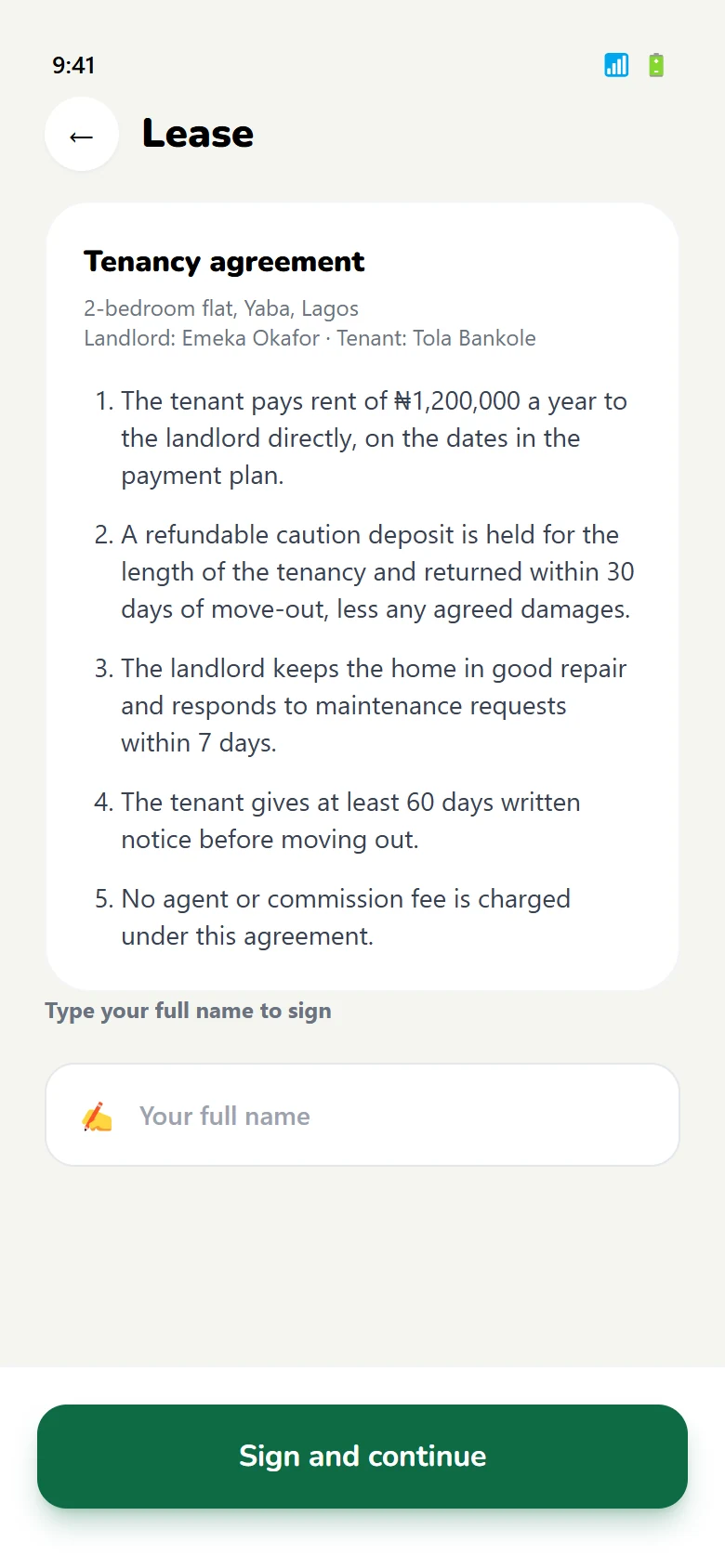
Abode removes the middleman and puts the paperwork in the app: verified landlords, identity checks on both sides, a lease that lives in the phone, and a receipt for every payment.
02 — Two products, one name
One app, two very different jobs.
A tenant is looking for a place to live. A landlord is running a small business. They share a brand and a database, not a task — so the app asks who you are at the start and gives each side its own home.
-
T
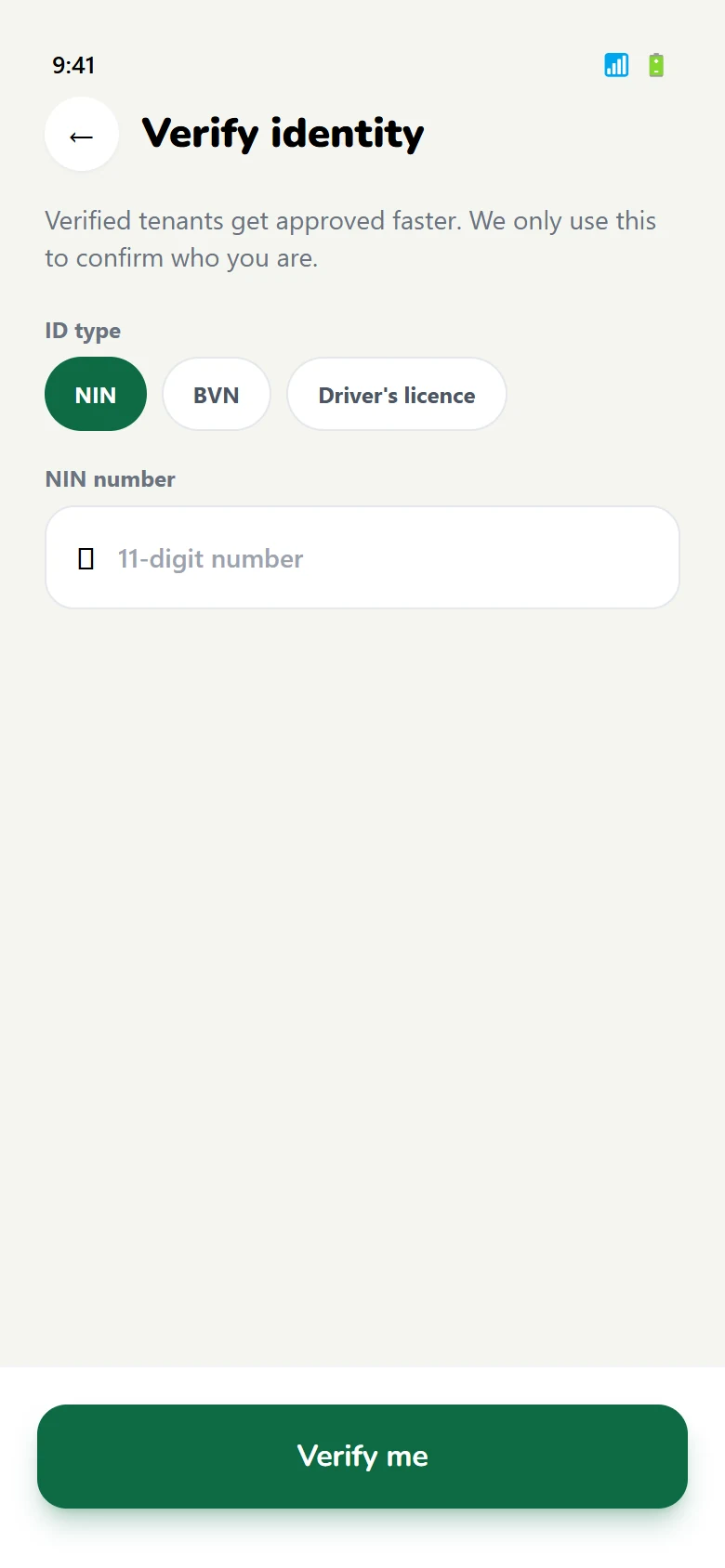
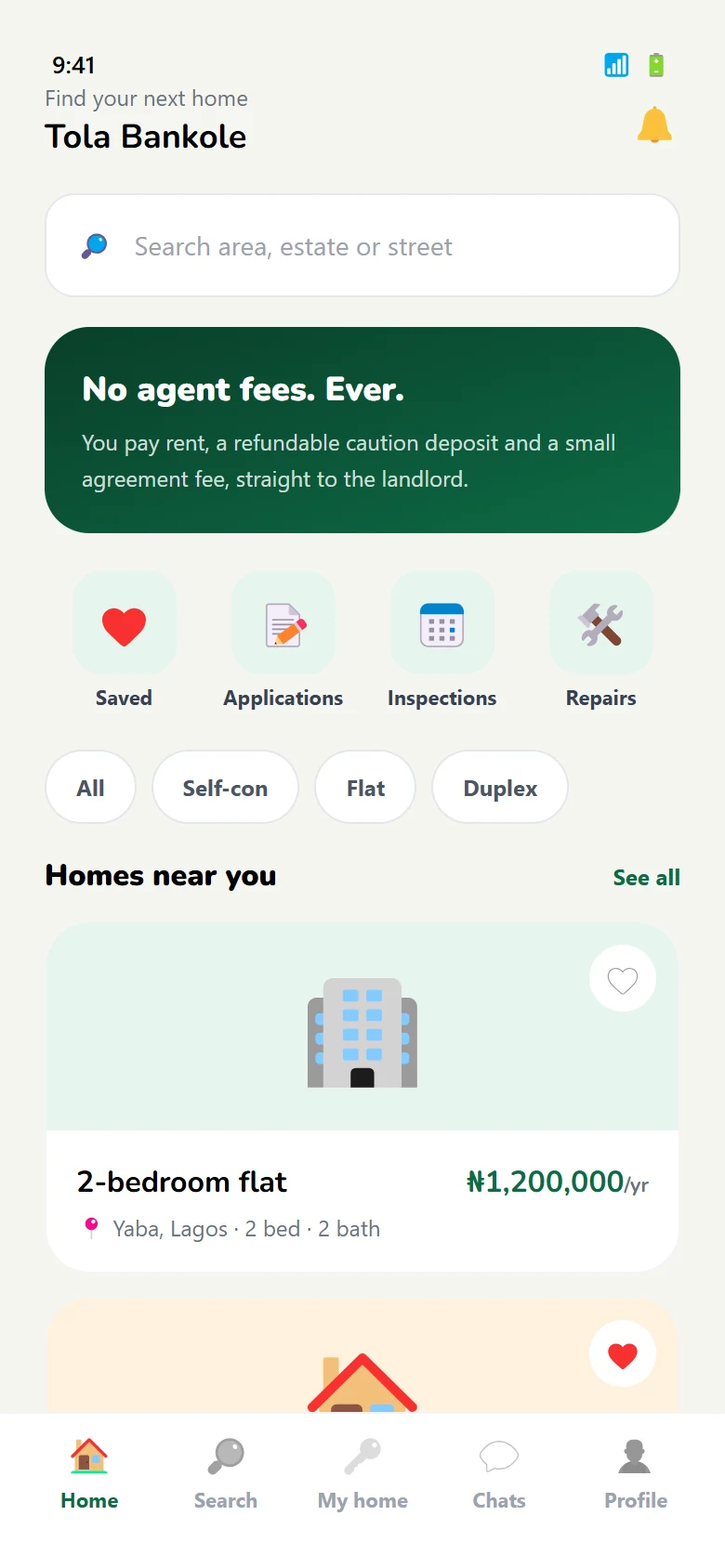
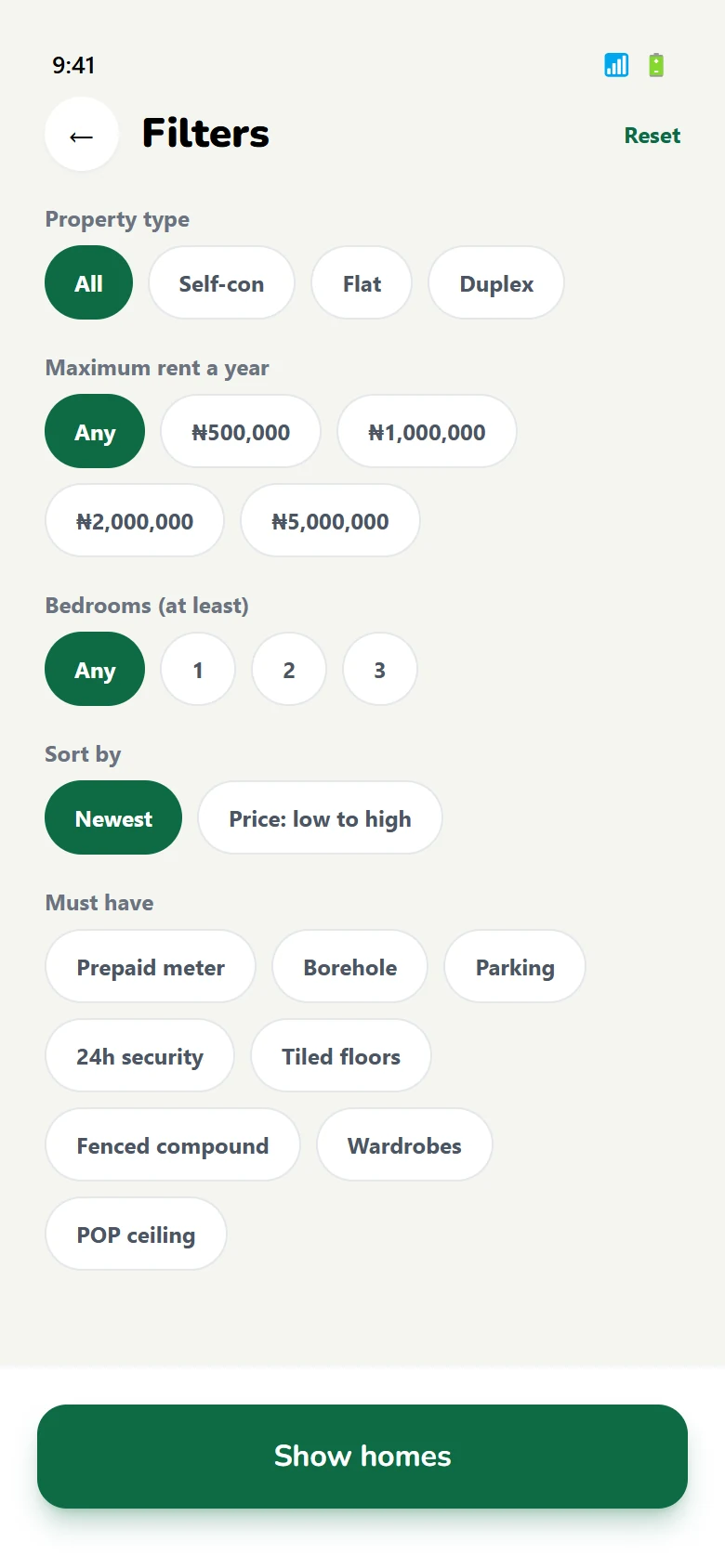
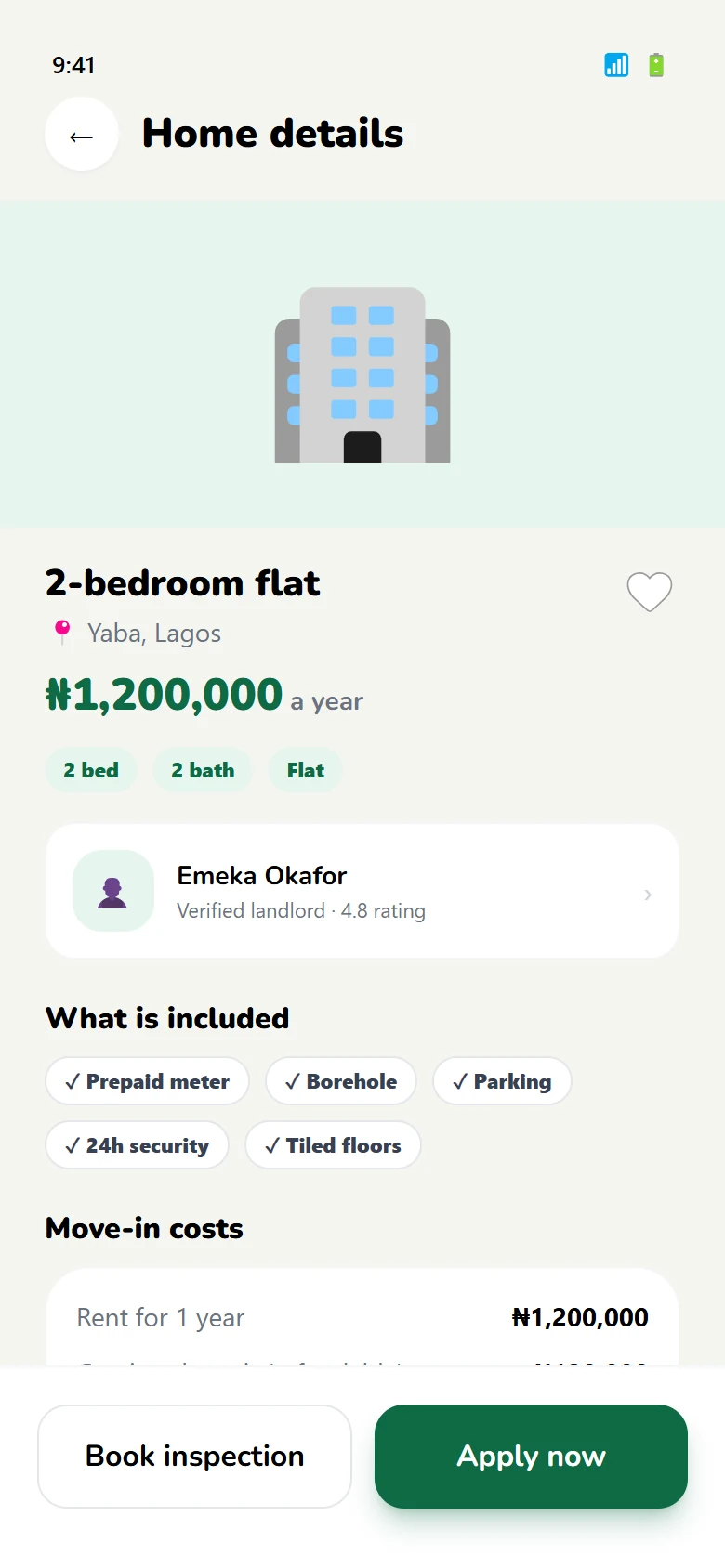
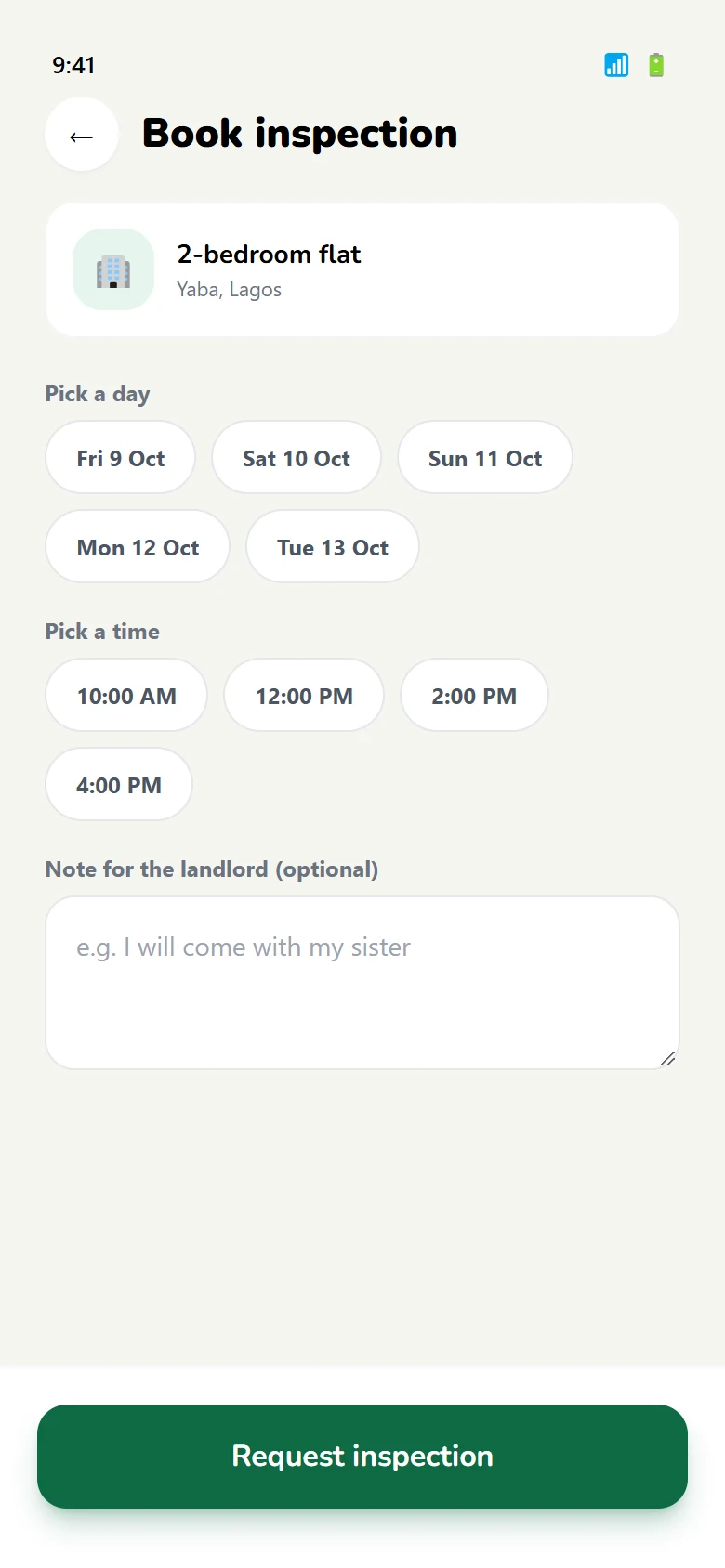
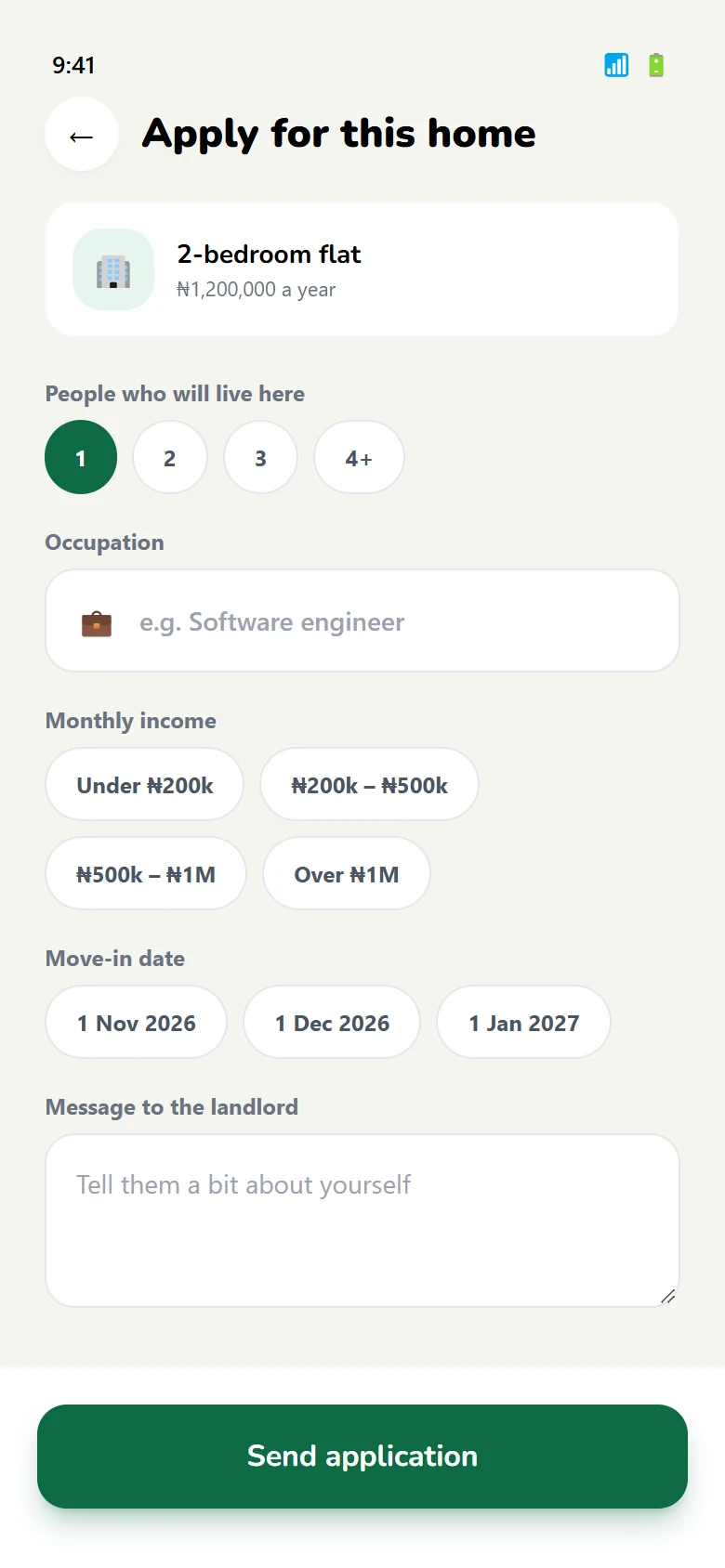
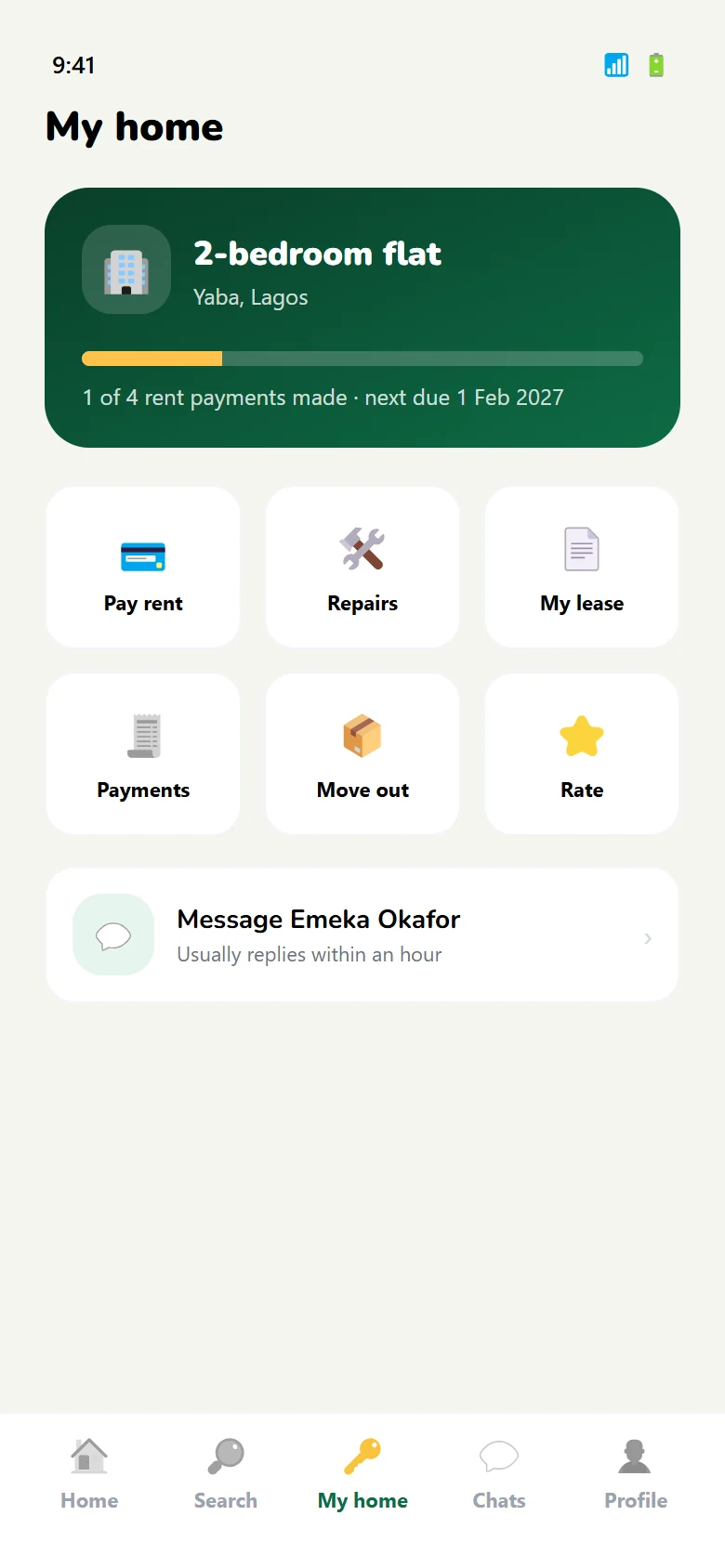
Tenant sideSearch verified homes, inspect, apply, sign a lease, then pay rent yearly, quarterly or monthly — with a receipt each time. Repairs and move-out notices stay in the app.
-
L
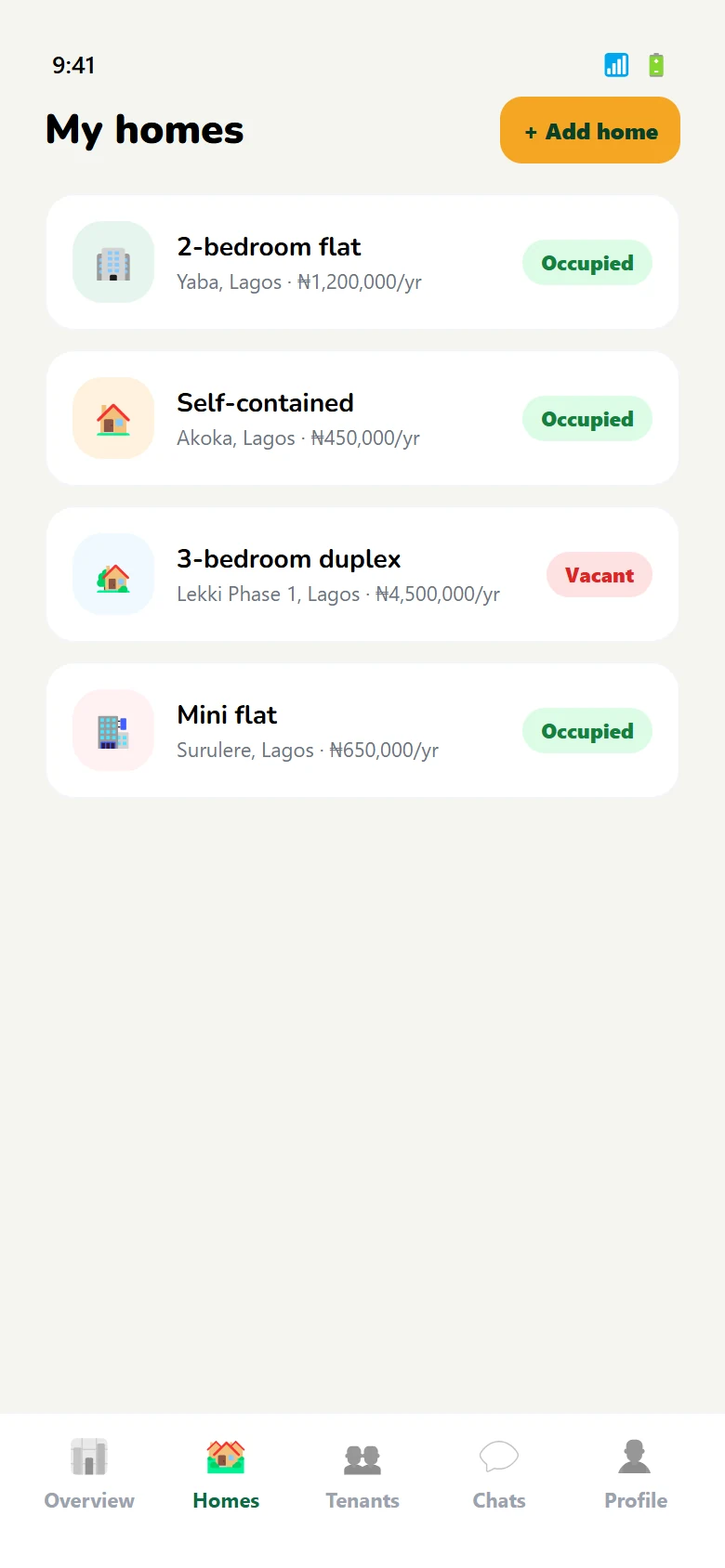
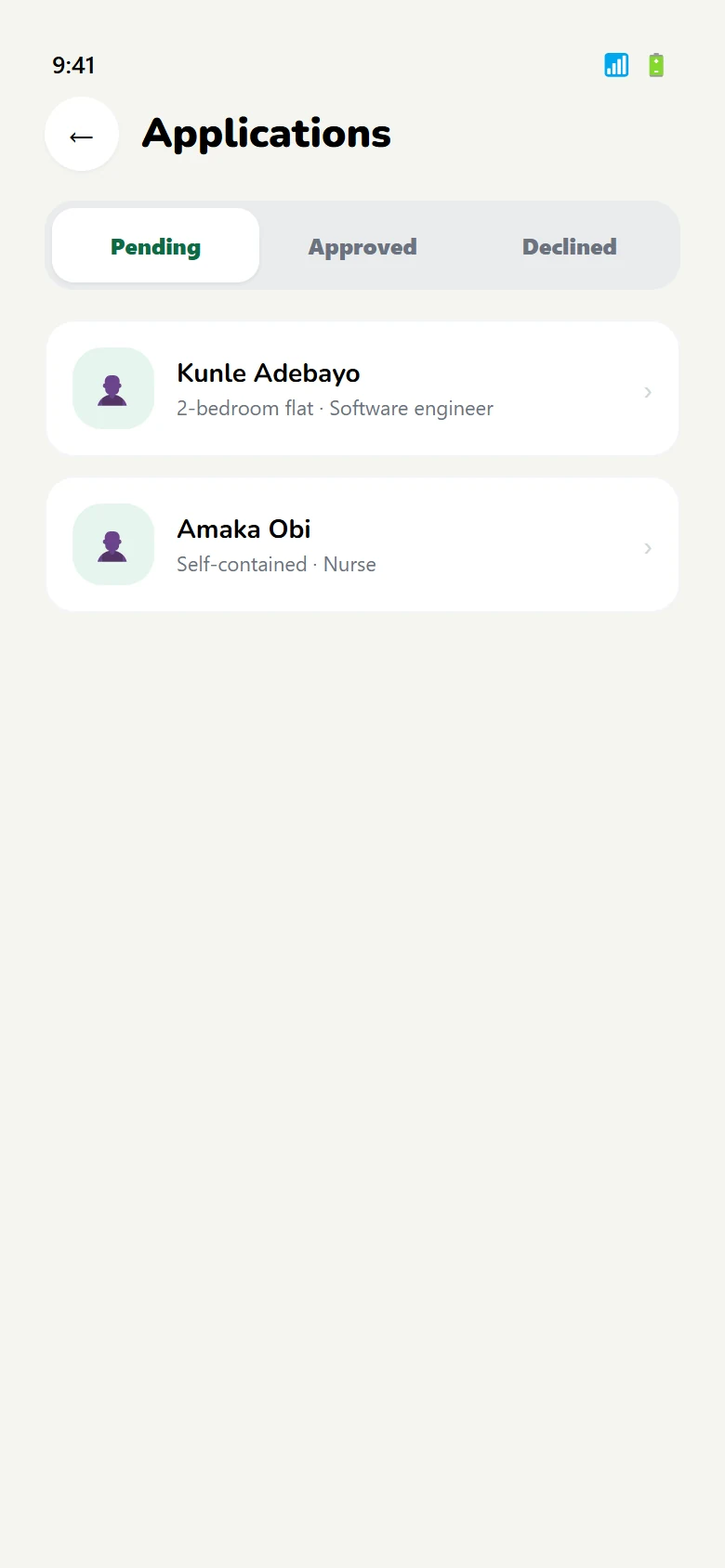
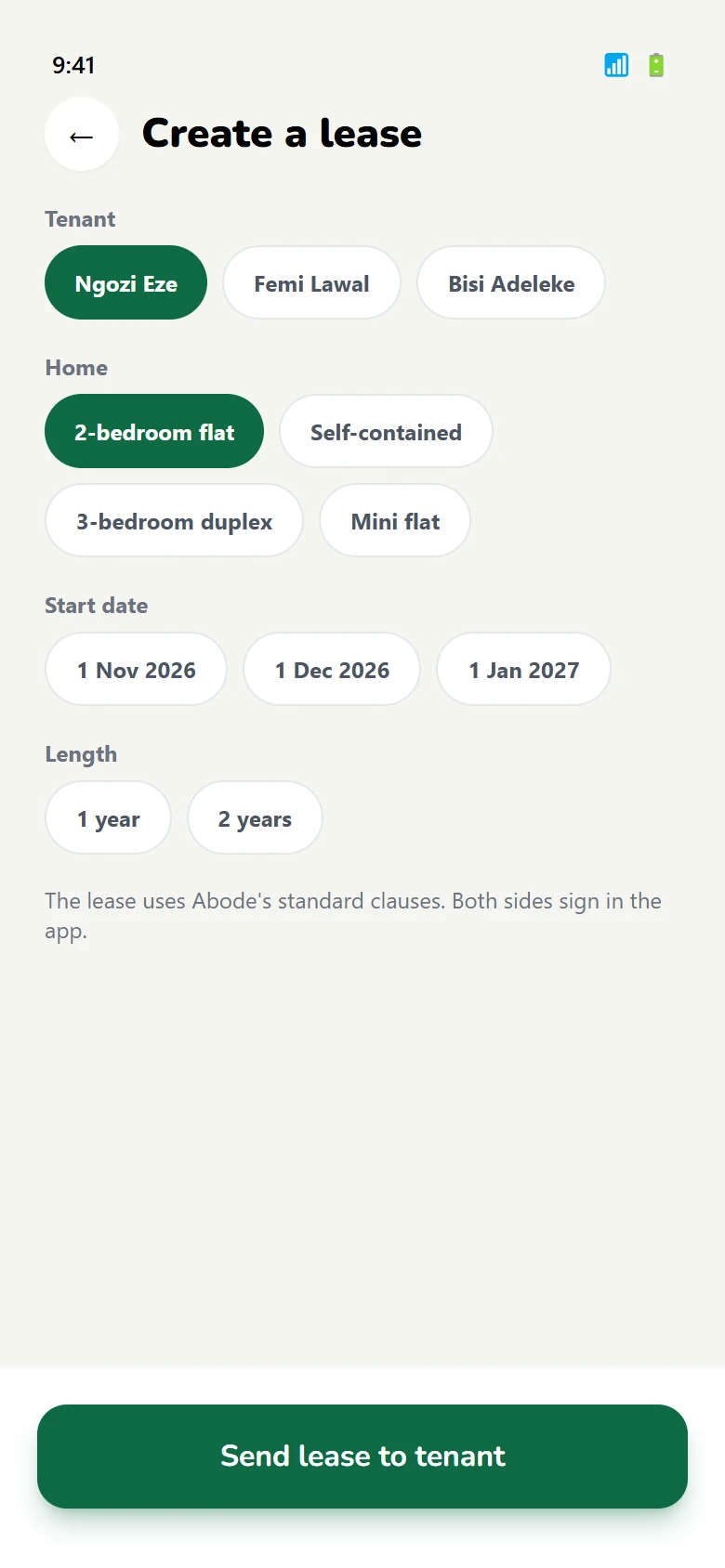
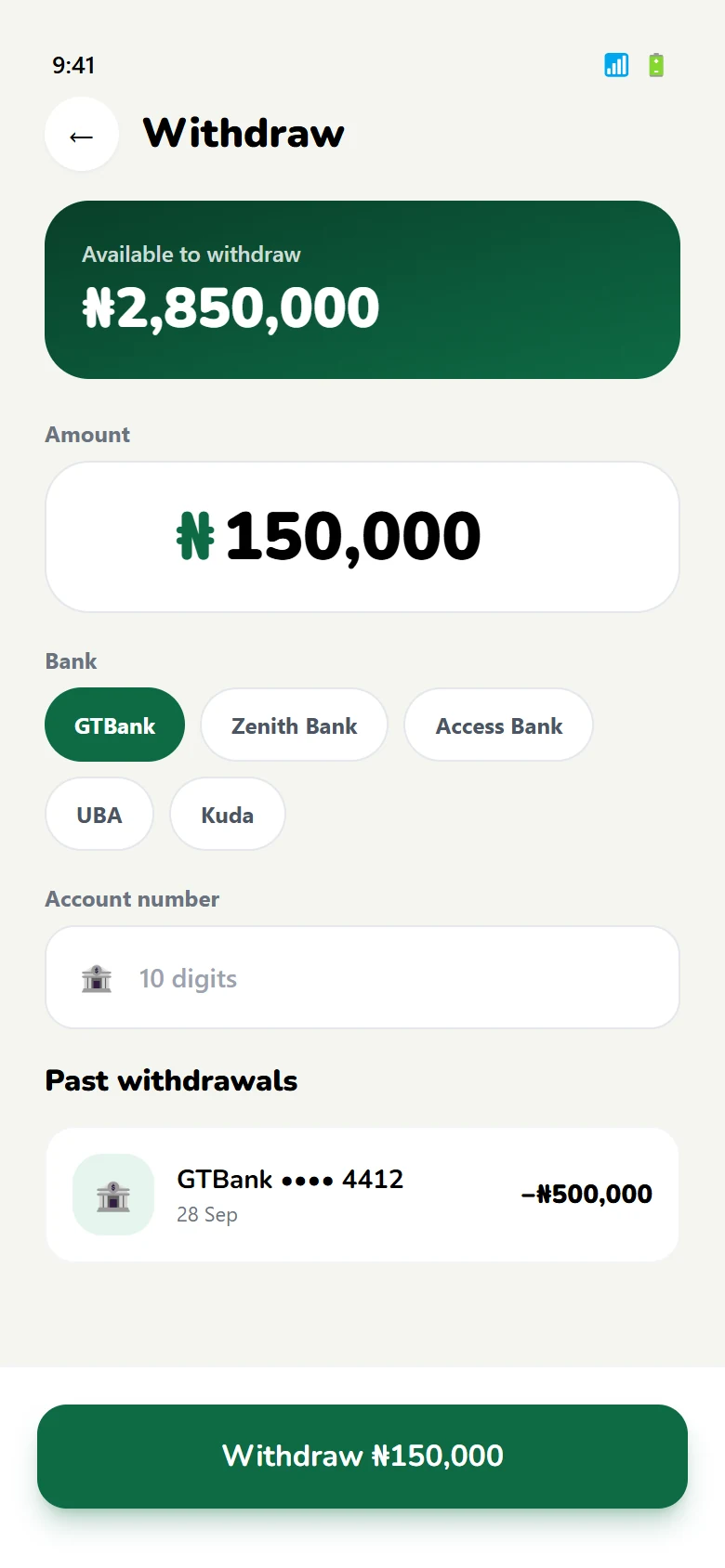
Landlord sideList a property in four steps, review applications, create a lease, collect rent and withdraw earnings to a bank account.
-
S
Shared layerNIN and BVN verification, ratings after a tenancy, and one design system across both halves of the product.
Tenant journey
Tenant · 10 screens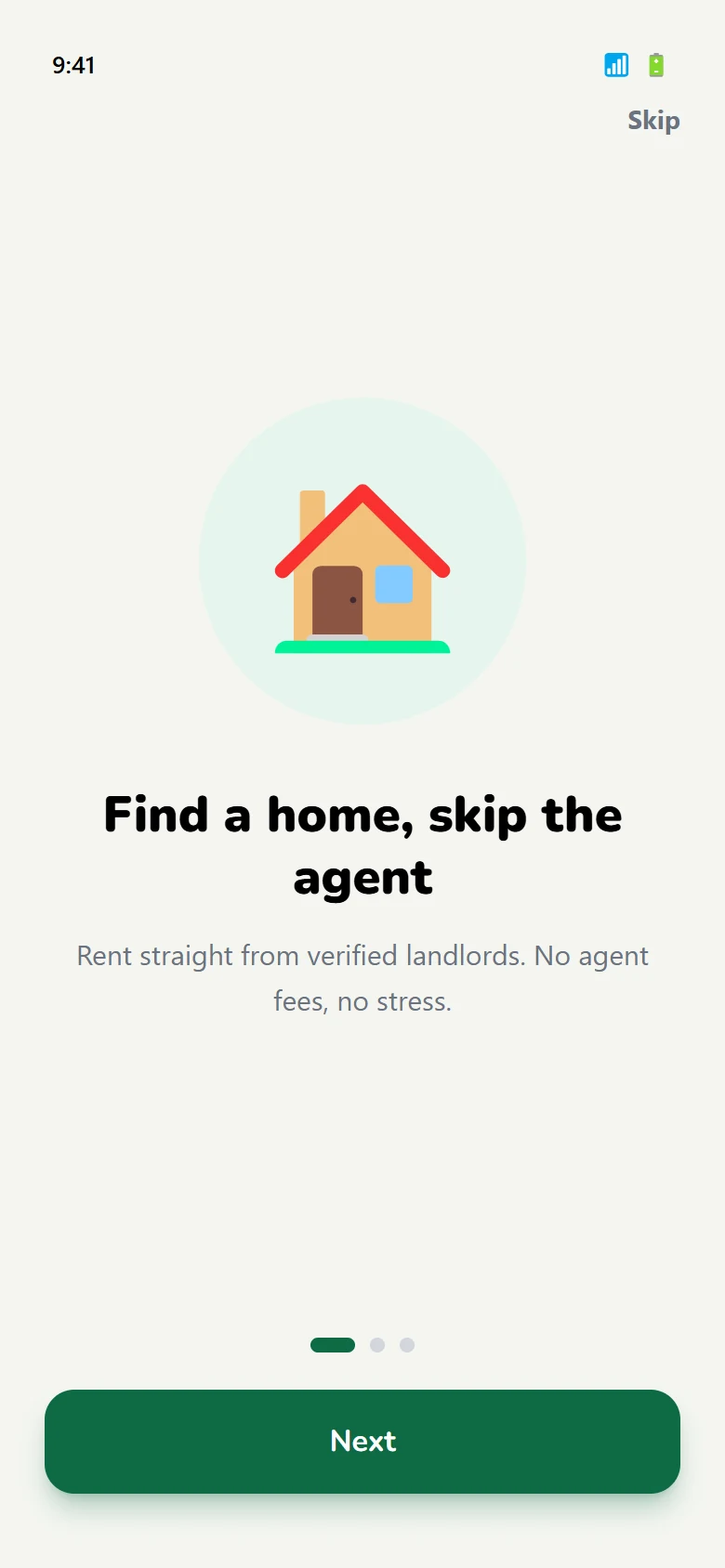
03 — Paying rent
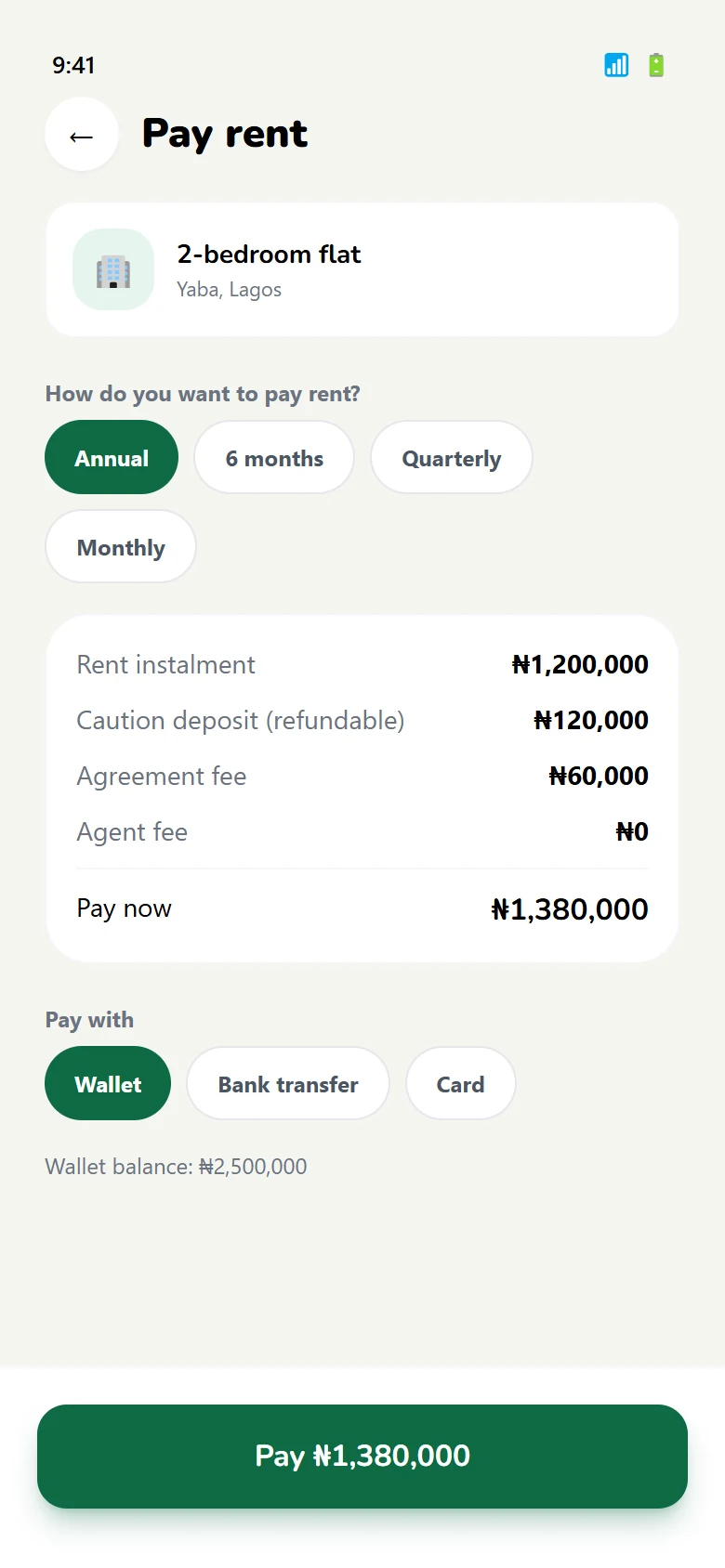
Yearly, quarterly or monthly. Receipted.
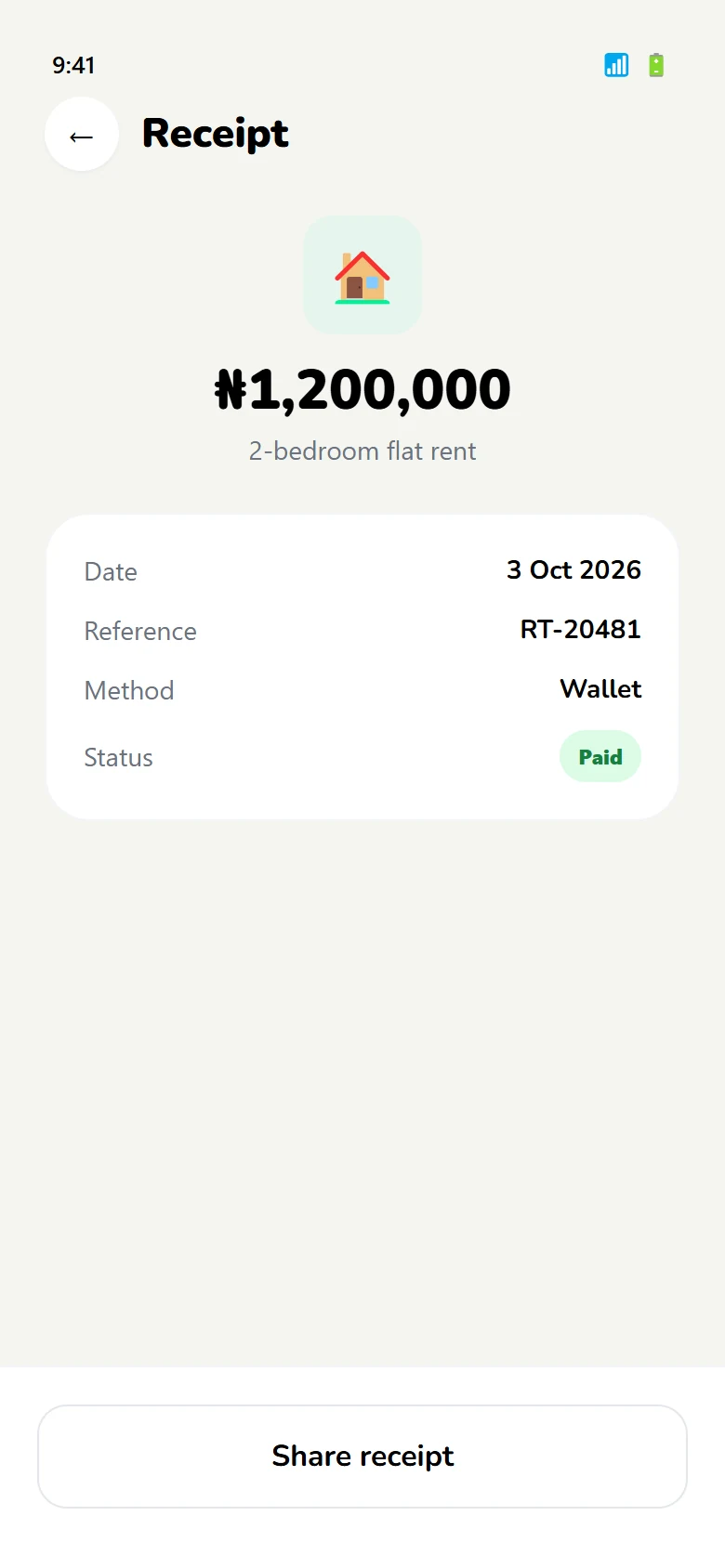
Annual rent up front shuts out a lot of people. Abode lets a tenant choose a plan that matches how they actually get paid, and issues a receipt for every instalment so there is always a record of what was paid and when.
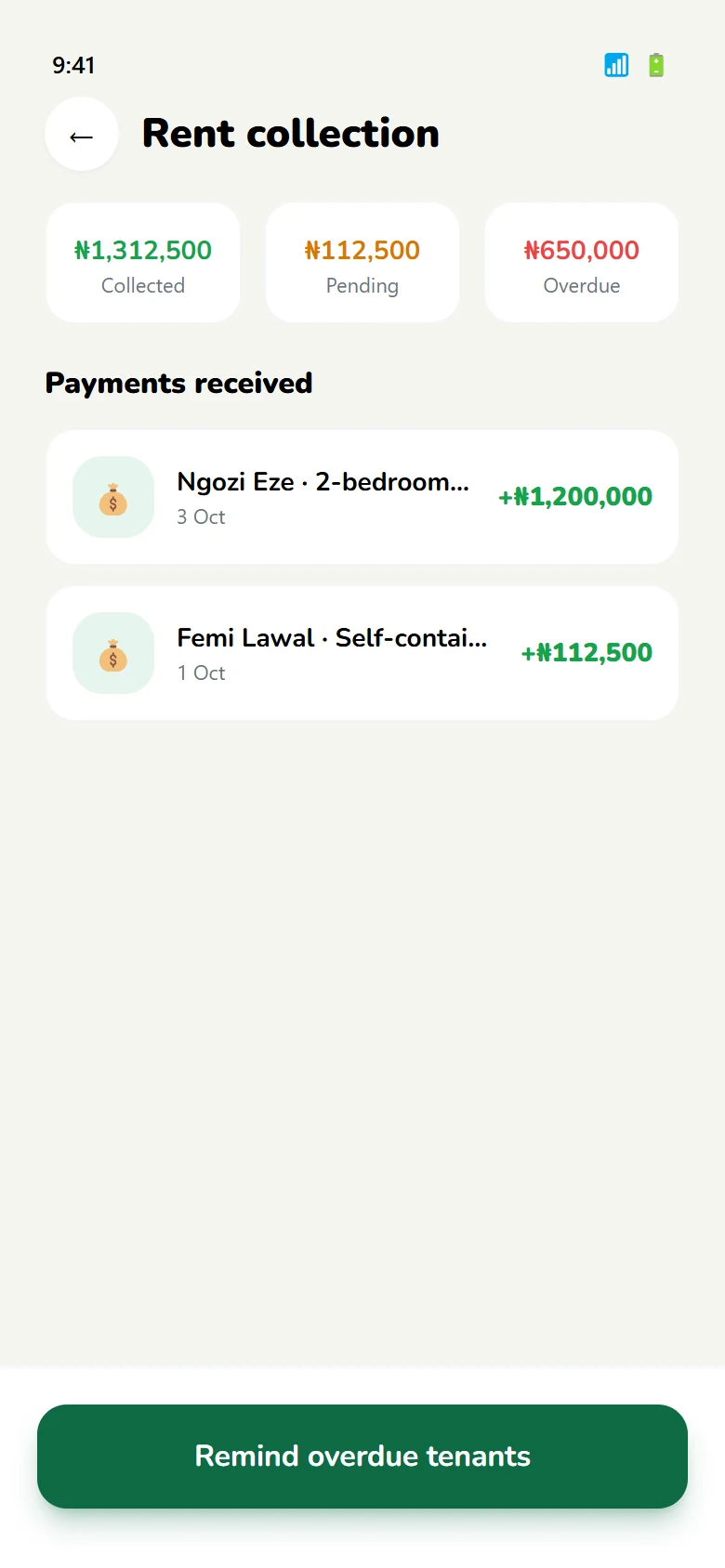
The landlord sees the same payments from the other side, plus a running balance and a withdraw action for earnings.
Landlord side
Landlord · 07 screens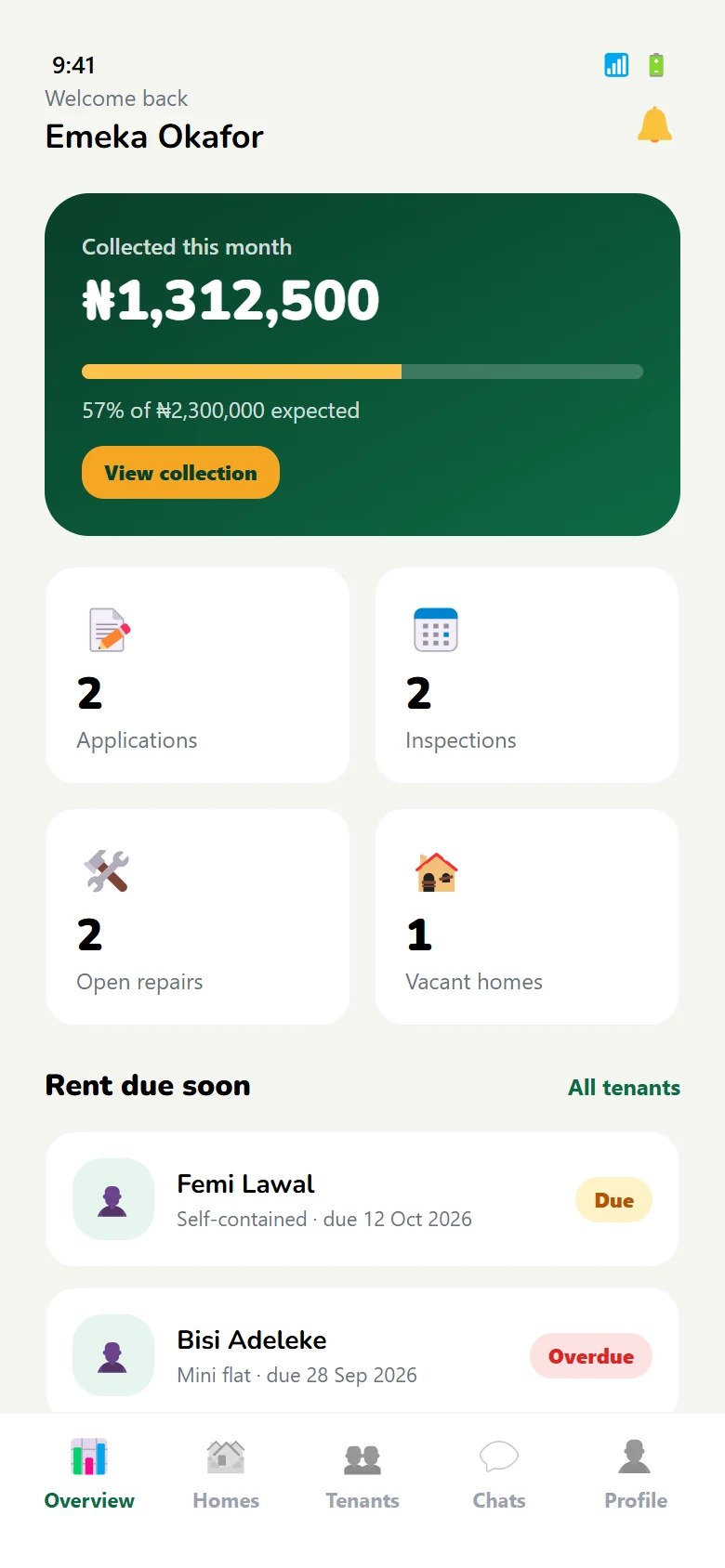
04 — Listing a home
Four steps, then it is live.
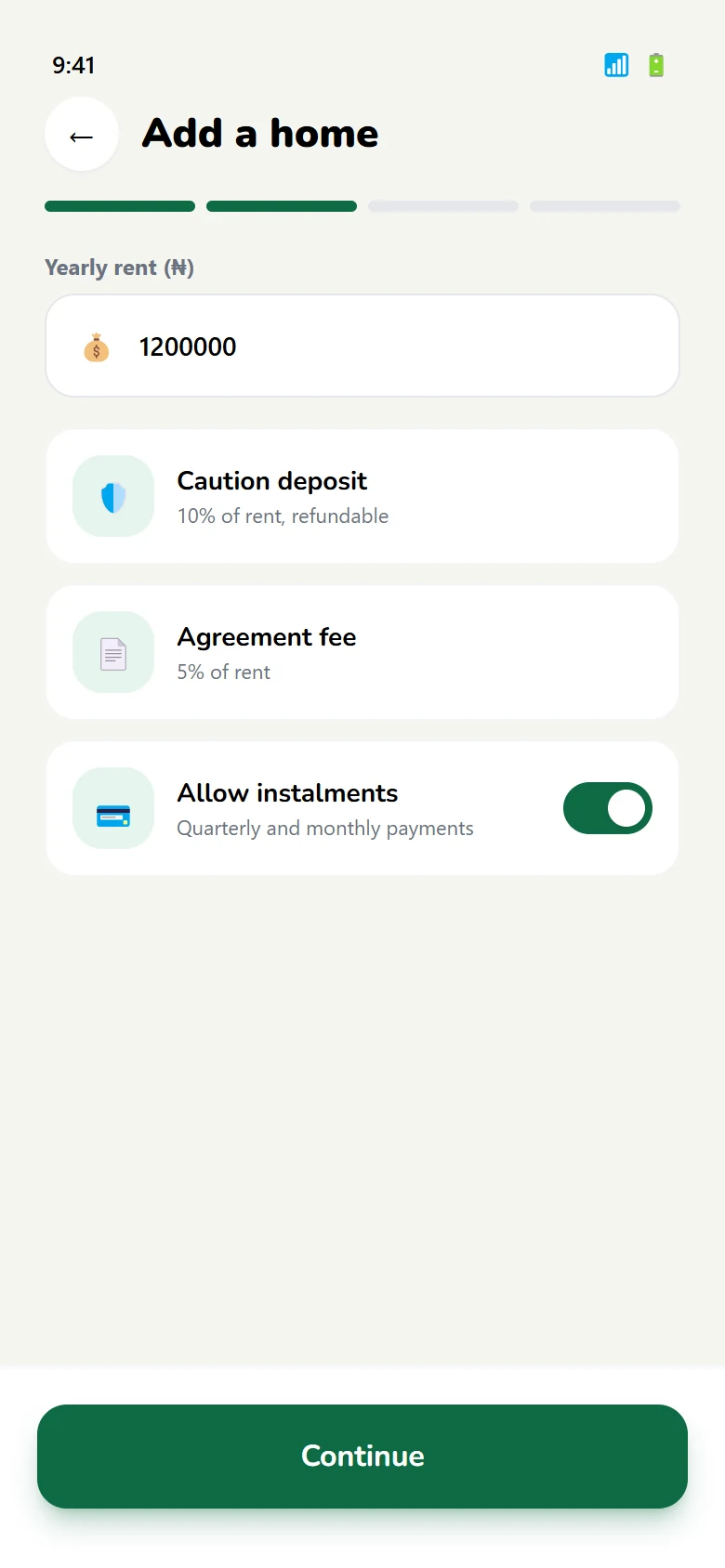
Landlords are not necessarily comfortable with software. Listing is kept to four steps — the property, the rent, the photos, then publish — with the same progress indicator throughout so it never feels like a new task started mid-way.
- 01
The property
Type, bedrooms, location and what makes it worth renting.
- 02
The rent
Amount and the plans a tenant can choose from.
- 03
Photographs
Images in the order a tenant will see them.
- 04
Publish
Review, confirm, and the listing goes to the tenant feed.
05 — The system
A calm green, and two typefaces.
Renting is a high-trust, high-anxiety task, so the interface stays quiet: deep green for the brand, a navy for text and surfaces, and one amber reserved for money and warnings. Nunito carries headings and numbers; Inter does the reading.
Rent paid. Receipt saved.
Verify your identity once, then apply to any home on Abode.
28 / 22 / 18 / 16 / 14 / 12
Want the long version?
The case study walks through both journeys, step by step, with the screens for each decision.